Introduction
This project is a port of the Atari 8-bit bot idea to the ZX Spectrum scene. It brings together an emulator, a BASIC-to-tape workflow, and a publishing backend so that Spectrum programs can be presented as short automated social posts.
A small social bot that turns ZX Spectrum programs into shareable posts, with support for Twitter and Mastodon.
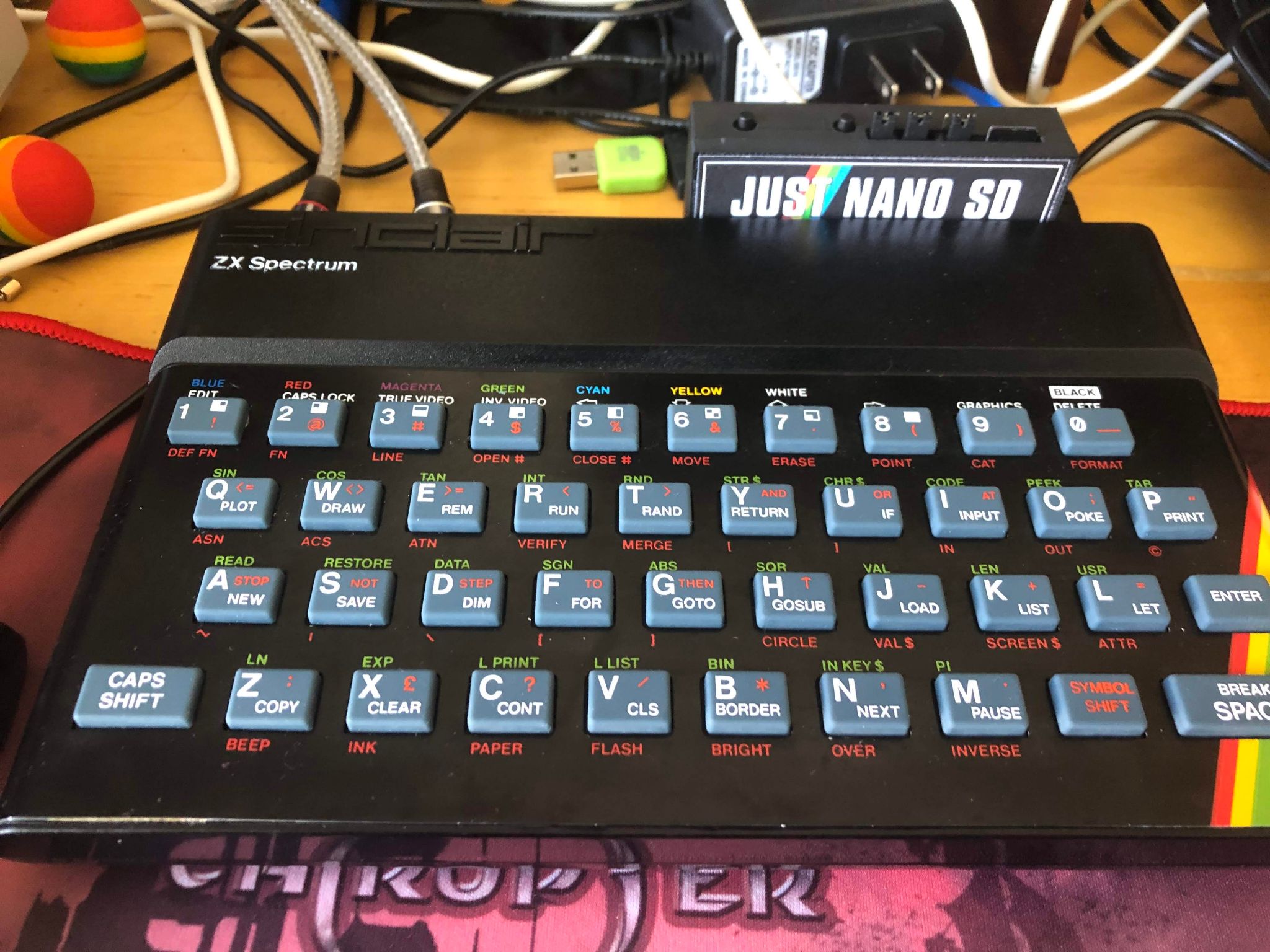
This project is a port of the Atari 8-bit bot idea to the ZX Spectrum scene. It brings together an emulator, a BASIC-to-tape workflow, and a publishing backend so that Spectrum programs can be presented as short automated social posts.
The ZX Spectrum Bot is designed to run on a Linux machine, typically a Raspberry Pi or similar low-power host. It can launch a Spectrum emulator, generate or load tapes, capture the output, and publish the result through either Twitter or Mastodon.
Available in mastodon, toot code with #zxspectrumbot and it will reply with a video.
Note: this option disables sound and posts result as gif. Use with caution.
You can also toot a gist raw url with code. example:
         #zxspectrumbot {S32}
        10 PAPER 0:INK 6:CLS
        20 PRINT "HELLO WORLD"
        30 GO TO 20
The project is fairly self-contained, but it does require a few dependencies and credentials to publish content properly.